Web designers and developers spend enough time solving problems, the right tools should make life easier, not add more work. Whether you need help choosing typography, checking how your pages appear on Google and social media, grabbing SVG icons, or uncovering the technology behind a website, here are some useful tools worth keeping in your toolkit.
01. Font Pairings

Font Pairings lets you try several typefaces in real designs, just select the font or combination you want to try and see the result.
02.Type Scale

Type Scale lets you preview and choose the right type scale for your project. Experiment with font size, scale and different webfonts.
03. Magic Eraser
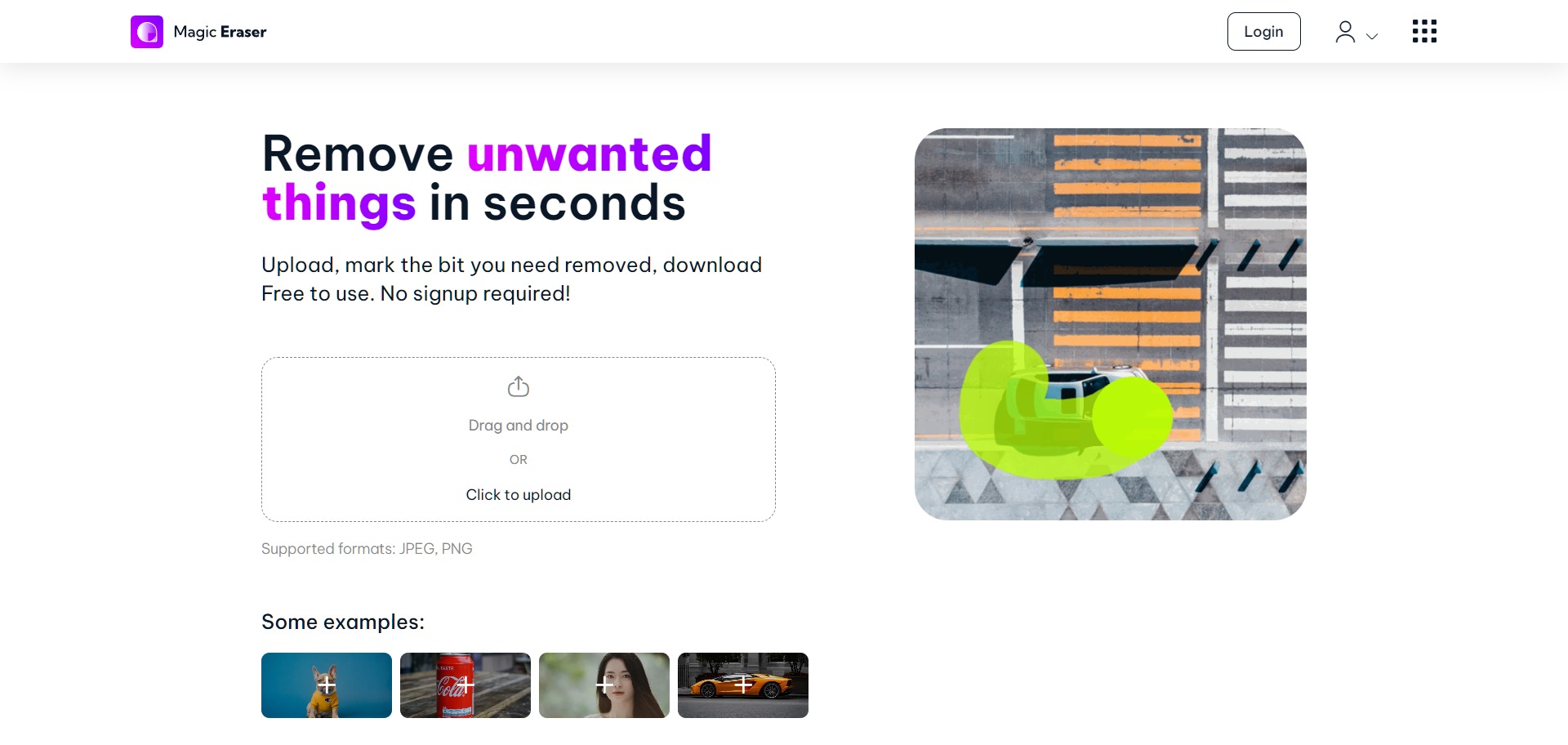 Remove unwanted things in seconds with Magic Eraser. Upload, mark the bit you need removed and download. Free to use. No signup required!
04. QuillBot

QuillBot is a paraphrasing tool designed to improve fluency while also ensuring you have the appropriate vocabulary, tone, and style for any occasion.
05. Tabler Icons
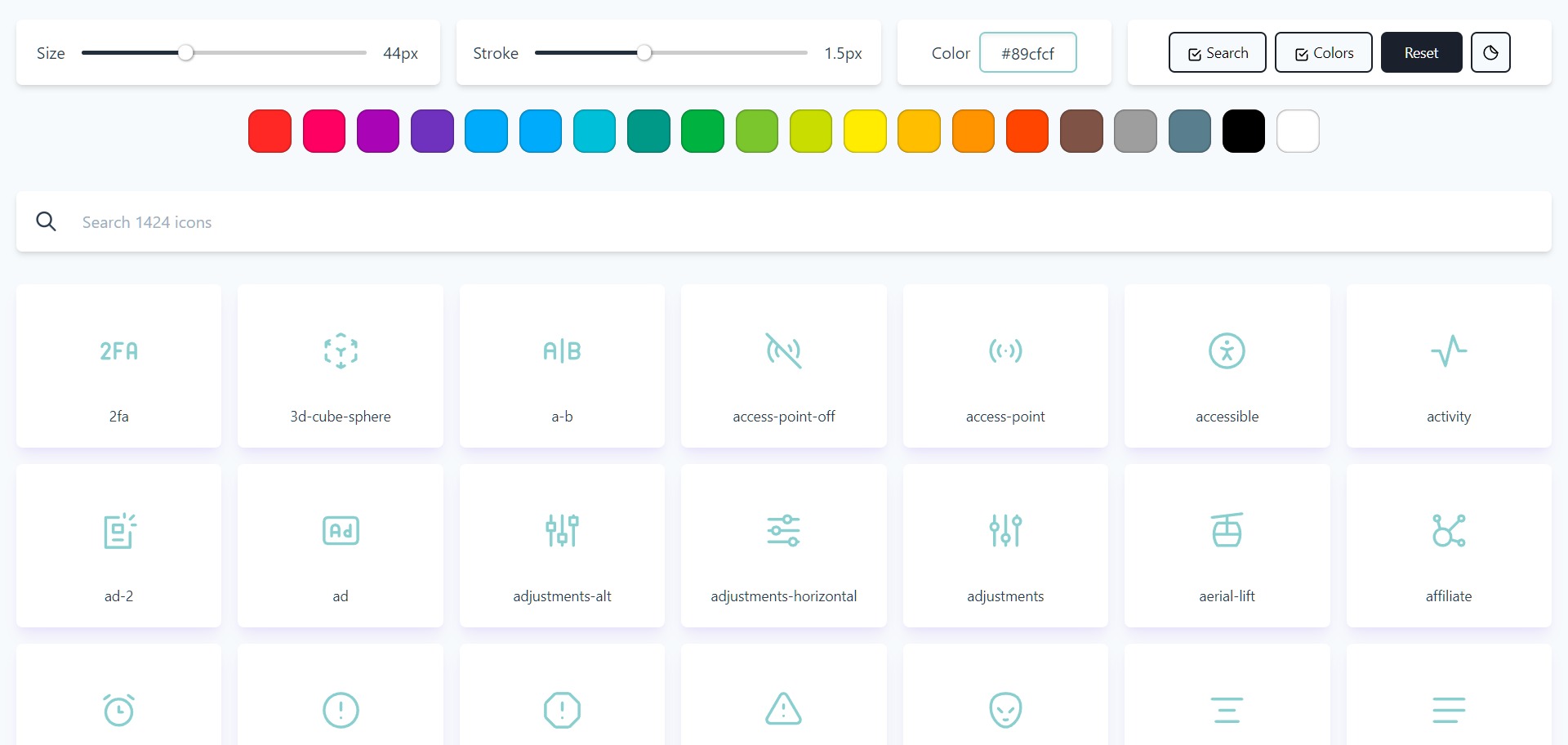
Tabler Icons are open source free SVG icons. Highly customizable. No attribution required. For commercial use.
06. Witeboard
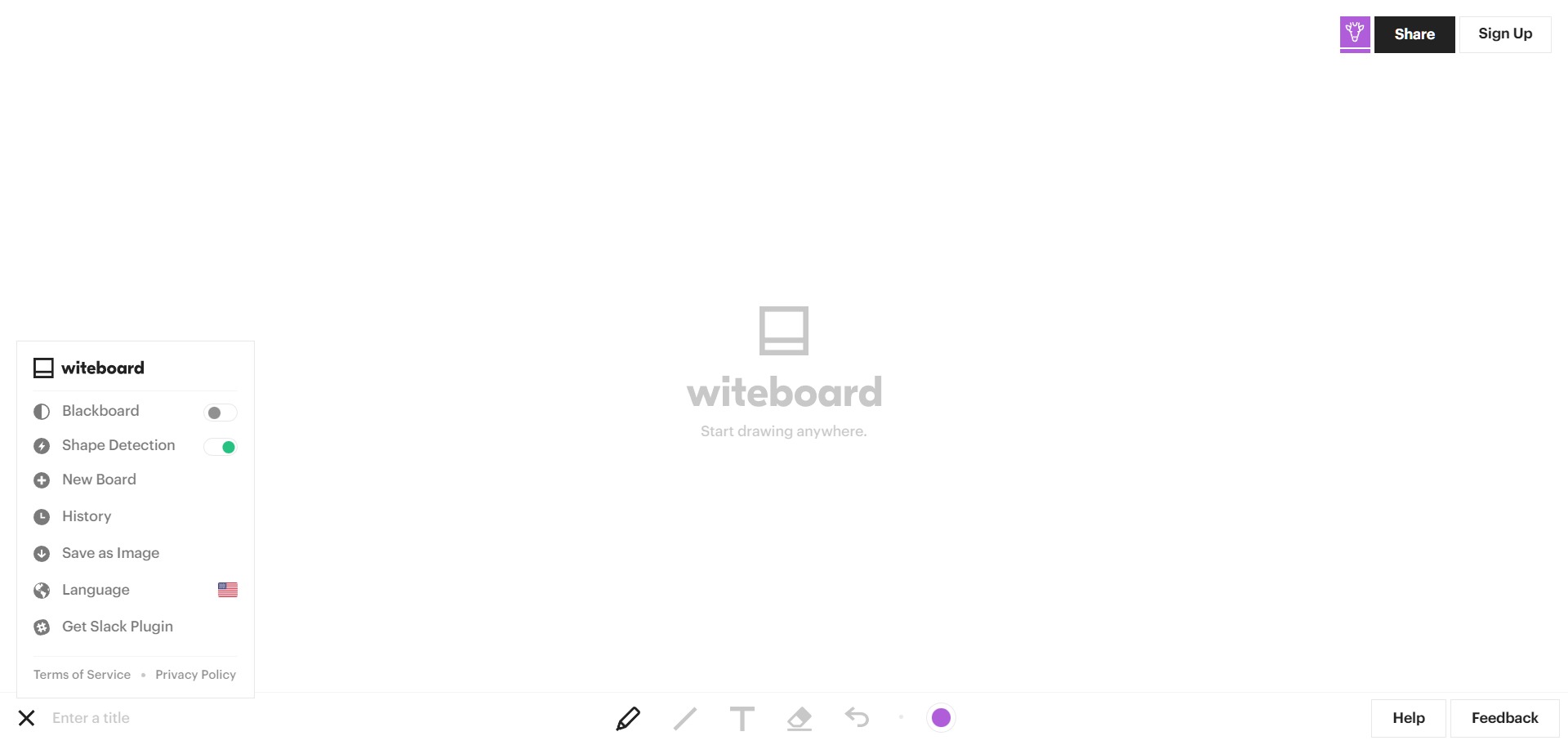
Witeboard is the fastest real-time online whiteboard for your team. Share with your team and view on mobile, tablet, or desktop.
07. Built With
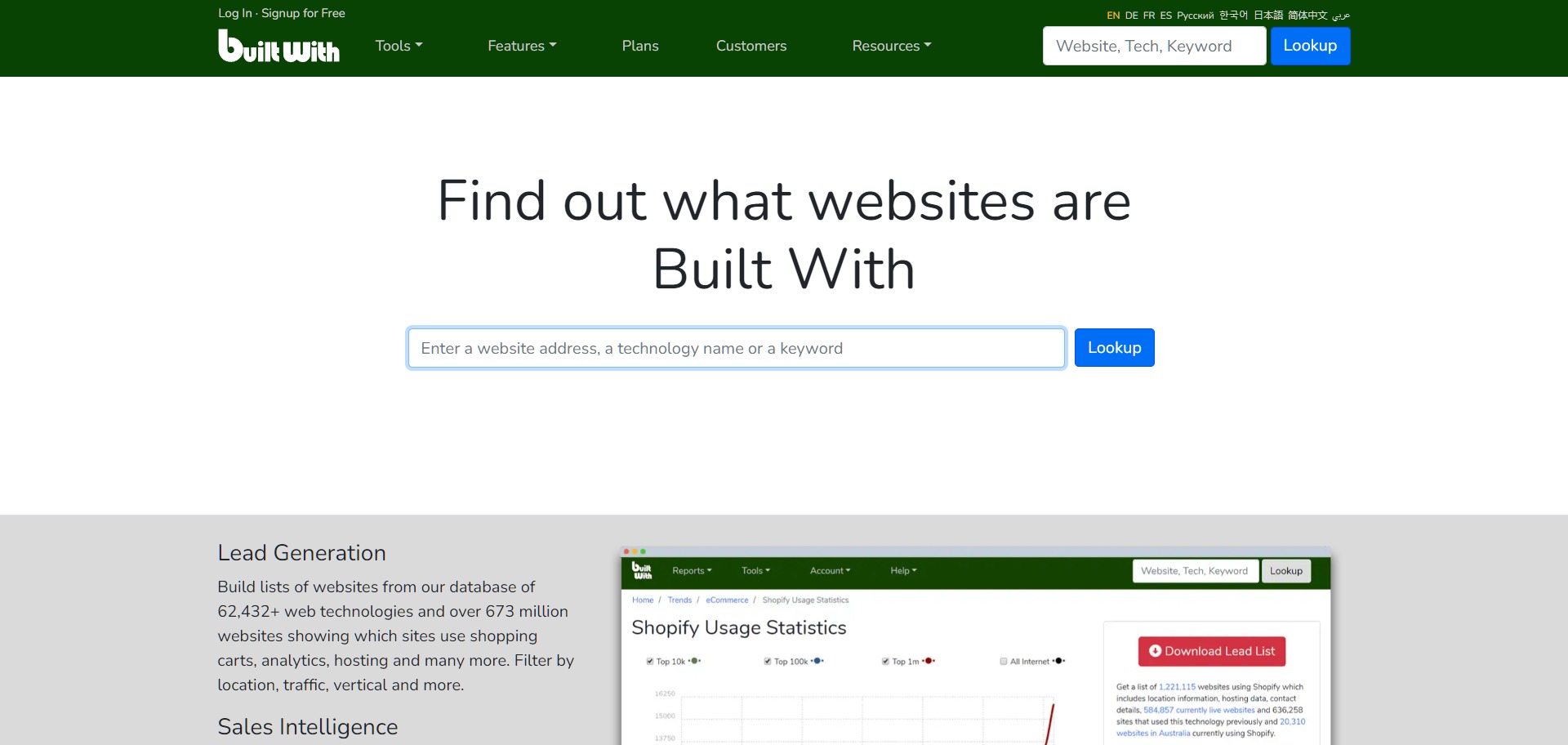
Built With lets you see what sites are built with and include analytics, advertising, hosting, CMS.
08. AI Image Enlarger

AI Image Enlarger all-in-one AI toolkits help you enhance and upscale images. Increase image resolution without losing quality.
09. Meta Tags

Meta Tags lets you experiment with your content then preview how your webpage will look on Google, Facebook and Twitter.
10. Privnote

If you need to send something really private to someone Privnote let’s you share it and once open and read it will self destruct. Useful for sharing passwords.
11. Keyword research
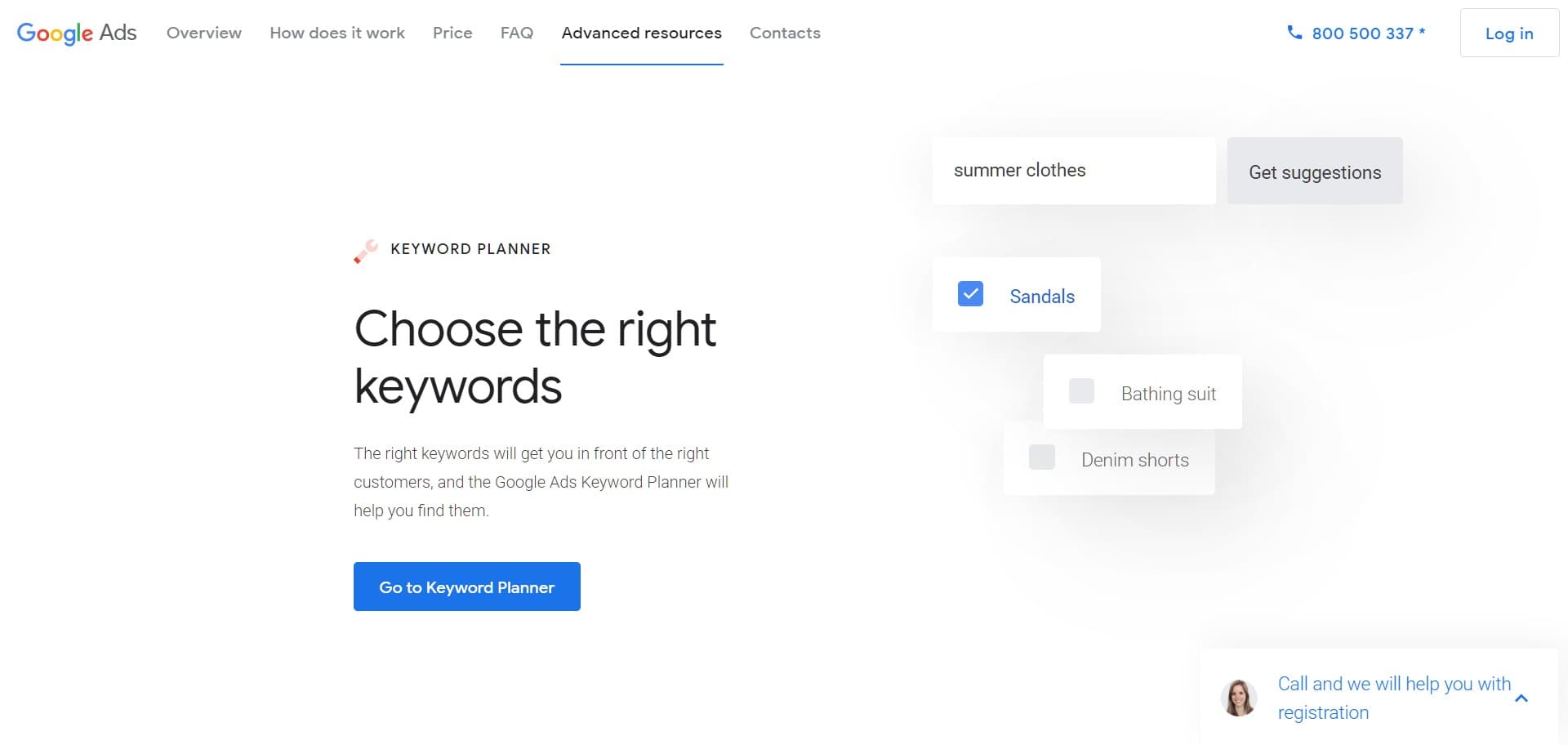
Find the right keywords to use with Google Ads Keyword Planner.
12. SERP checker
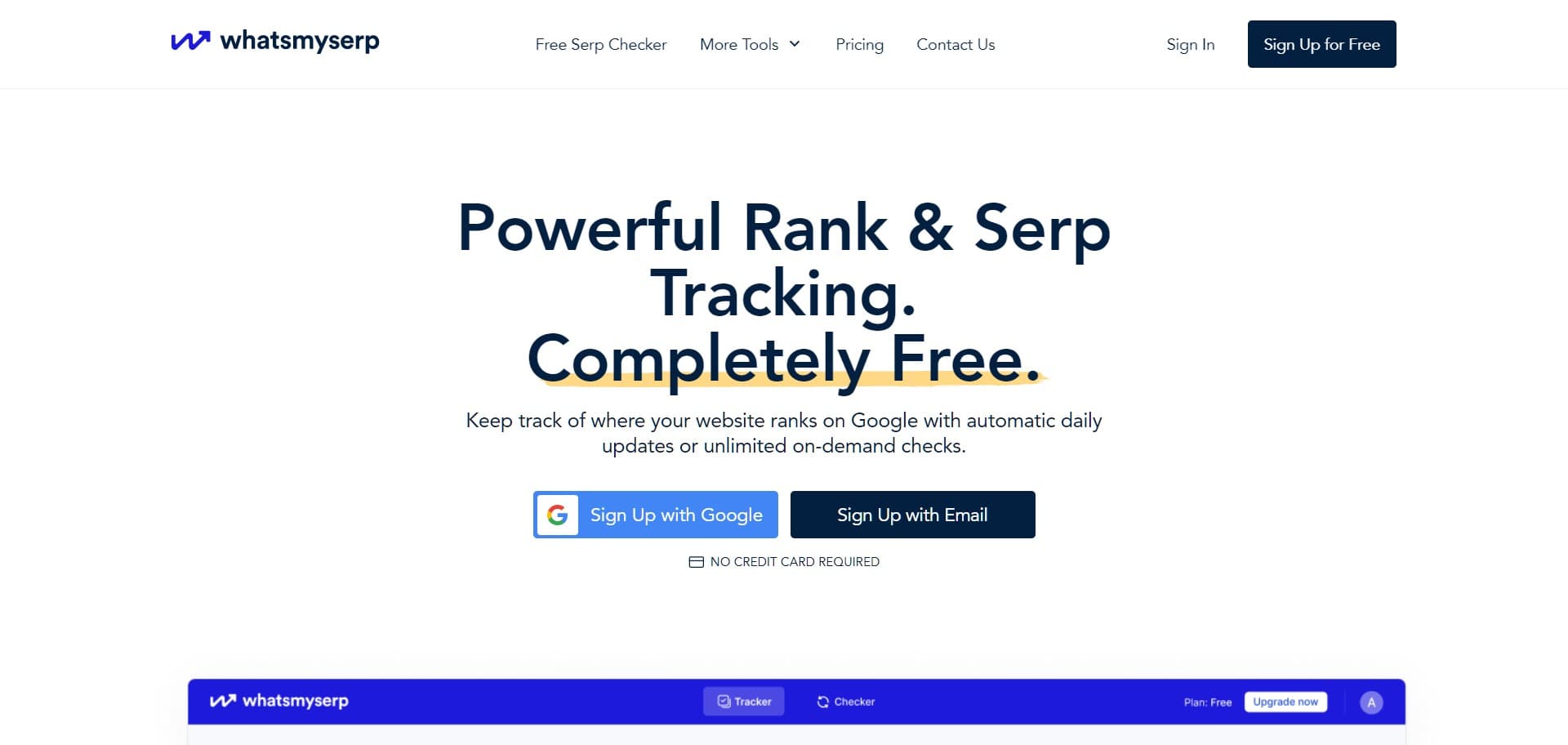
Check your website’s Google search ranking position instantly with Whatsmyserp. If you’ve ever wondered how your site ranks for certain keywords this tool will let you know.
13. Online image editor

Photopea is a free and powerful online photo editor that supports PSD, XCF, Sketch, XD and CDR formats.
14. Share screenshots and images
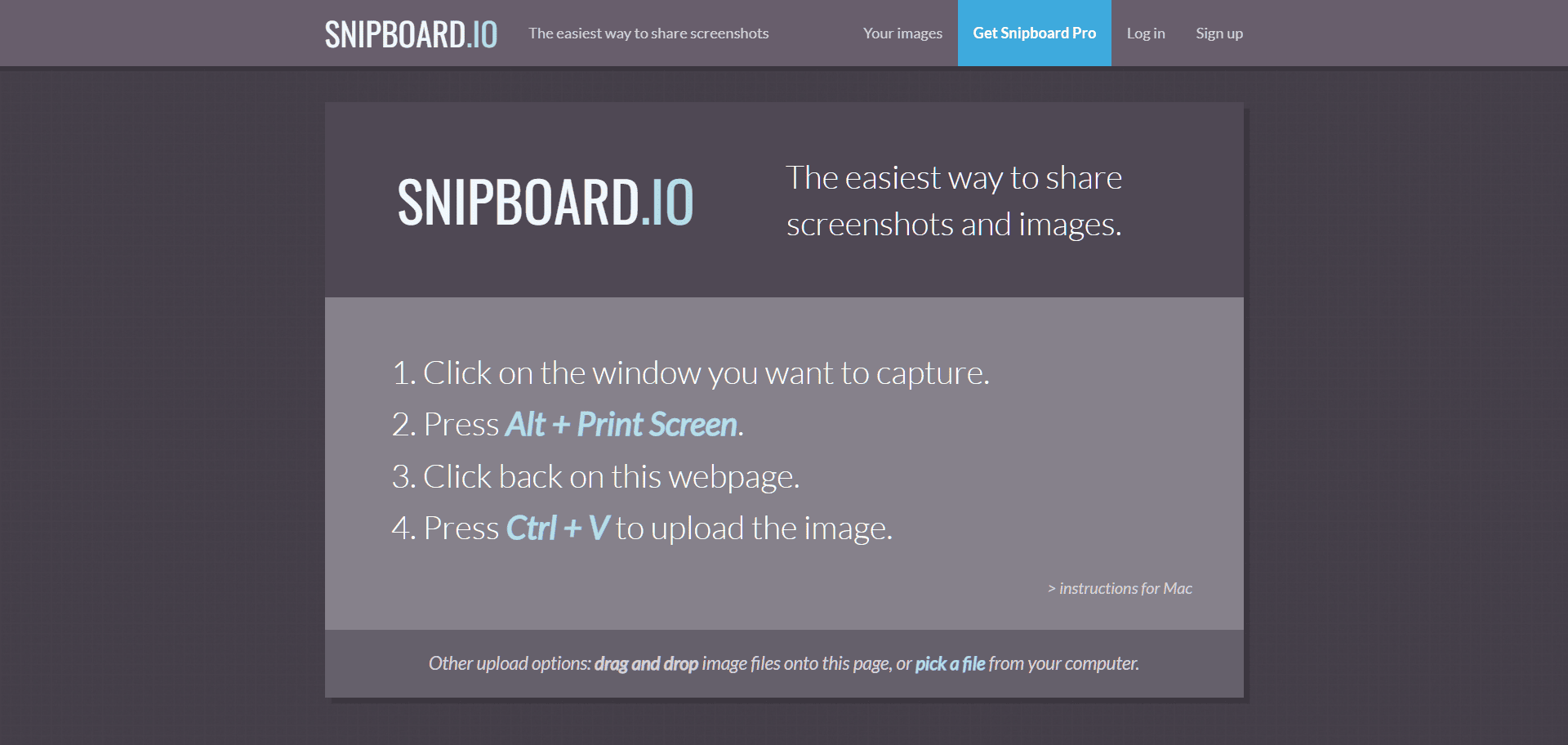
Snipboard.io is a fast way to share screenshots online free. It’s designed with your workflow in mind by using only a minimum number of keypresses to share your images.
15. Image background remover

Picwish is a simple and effective free online image background remover.